![How to Use Clawbot AI Agent: Workflow Automation Tutorial [N8N Integration]](/images/blog/clawbot-ai-agent-automation-cover.webp)
How to Use Clawbot AI Agent: Workflow Automation Tutorial [N8N Integration]
- What Is an AI Agent? Clawbot's Agent Mode Explained
- How AI Agents Work
- Clawbot Agent vs. Traditional Automation
- Clawbot's 3 Core Automation Features
- Browser Relay: Browser Automation
- Antigravity: Advanced Automation Capabilities
- Custom Workflow Design
- Hands-On Tutorial: Clawbot x N8N Integration
- What Is N8N?
- Steps to Connect Clawbot with N8N
- Common Automation Examples
- Need a More Complex Automation Architecture?
- How CloudSwap Can Help
- Enterprise Considerations for AI Agent Adoption
- Security Considerations
- Cost-Benefit Analysis
- Clawbot AI Agent FAQ
- Is Clawbot's AI Agent reliable?
- Which browsers does Browser Relay support?
- Next Steps for AI Agent Automation
- Free Consultation: Plan Your AI Agent Automation Workflow
- References
- Need Professional Cloud Advice?
![How to Use Clawbot AI Agent: Workflow Automation Tutorial [N8N Integration]](/images/blog/clawbot_moltbot_openclaw/clawbot-ai-agent-automation-hero.webp) How to Use Clawbot AI Agent: Workflow Automation Tutorial [N8N Integration]
How to Use Clawbot AI Agent: Workflow Automation Tutorial [N8N Integration]
How to Use Clawbot AI Agent: Workflow Automation Tutorial [N8N Integration]
What Is an AI Agent? Clawbot's Agent Mode Explained
💡 Key Takeaway: Have you ever wished you could let AI control your browser and automatically handle those repetitive tasks you do every day? That is exactly what Clawbot AI Agent does.
No scripts to write. No steps to record. Just tell it what you want done in plain language, and it figures out how to get it done.
Not sure what Clawbot is yet? We recommend reading the Clawbot Complete Guide first to get the full picture before coming back to this article.
How AI Agents Work
AI Agents are fundamentally different from traditional automation scripts.
Traditional scripts follow a "fixed path": you define every step, and the program follows them exactly. The moment a webpage is redesigned or a button moves, the script breaks.
AI Agents are "goal-oriented": you give them an objective, and they use an LLM (Large Language Model) to understand the page structure and dynamically decide the next action. Page redesigned? The agent finds the new element positions on its own.
The underlying technology is an LLM-driven Agent architecture:
- Perception: The Agent reads the current webpage's DOM structure and visual information
- Reasoning: The LLM determines the next action based on the goal and current state
- Execution: Performs concrete operations through Browser Relay (clicking, typing, scrolling)
- Verification: Checks whether the result matches expectations and adjusts strategy if not
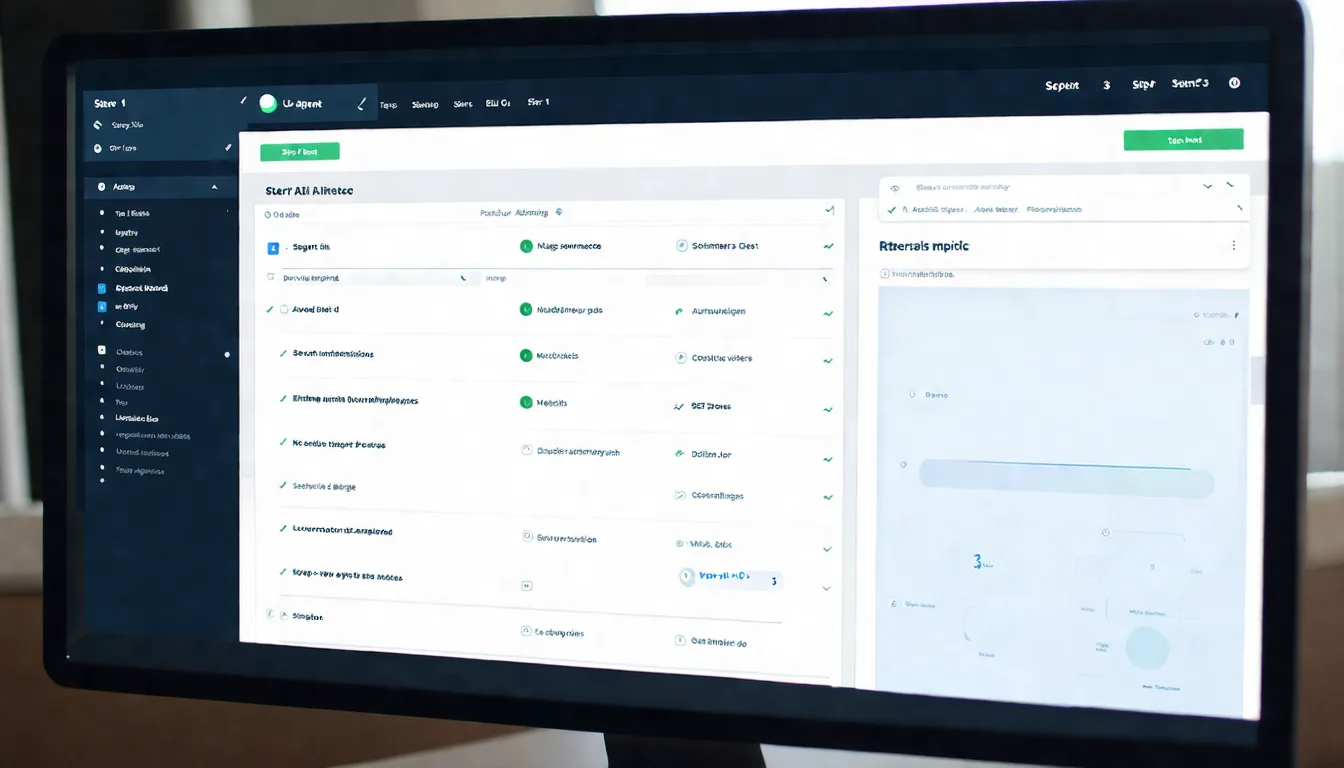 Illustration 1: AI Agent execution flow
Clawbot Agent vs. Traditional Automation
| Comparison | Traditional Automation (Selenium / Puppeteer) | Clawbot AI Agent |
|---|---|---|
| Setup Method | Write code step by step | Natural language instructions |
| Error Handling | Must predefine every error scenario | AI automatically judges and retries |
| Page Change Adaptability | Fails when elements change | Dynamically recognizes page structure |
| Maintenance Cost | High, requires ongoing script updates | Low, the Agent adapts automatically |
| Target Users | Developers | Developers + non-technical users |
| Complex Workflows | Requires fully defined conditional branches | Agent makes autonomous decisions |
Traditional tools still have an efficiency advantage on stable, rarely changing pages. But when dealing with frequently redesigned websites or complex multi-step workflows, the AI Agent's adaptability clearly wins out.
Clawbot's 3 Core Automation Features
Browser Relay: Browser Automation
Browser Relay is the core engine of Clawbot's automation. It launches browser instances remotely, so you don't need to use your own computer's resources.
What Browser Relay can do:
- Auto-fill forms: Detects form fields and fills in data automatically. Handles dropdowns, checkboxes, and date pickers
- Data extraction: Scrapes structured data from web pages, outputting as JSON or CSV
- Scheduled monitoring: Checks web pages for changes at regular intervals (prices, inventory, content updates)
- Screenshot archiving: Automatically captures screenshots at each step for debugging and auditing
Real-world example: Suppose you need to monitor product page prices across 5 competitors. Doing it manually takes 30 minutes a day. With Browser Relay, set up the schedule once and it automatically scrapes the data for you every day.
Antigravity: Advanced Automation Capabilities
Antigravity is Clawbot's advanced module, specifically designed for scenarios where typical AI Agents tend to get stuck.
Use cases:
- Multi-layered iframe nesting: Traditional tools often choke on iframe switching; Antigravity handles it automatically
- Dynamically loaded content: Waits for AJAX requests to complete and handles infinite scroll pages
- CAPTCHA handling: Integrates with third-party services to handle simple CAPTCHA challenges
- Multi-tab operations: Controls multiple browser tabs simultaneously to coordinate task execution
When Antigravity is paired with Browser Relay, you can accomplish many automation scenarios that would otherwise require writing large amounts of code.
Custom Workflow Design
Clawbot's Dashboard provides a visual workflow editor that lets you design multi-step tasks without writing code.
Four core elements of a workflow:
- Trigger conditions: When should it start? (Scheduled, Webhook, manual trigger)
- Step chaining: What operations to execute in sequence? (Open webpage -> Log in -> Extract data -> Download file)
- Conditional branching: How to handle different situations? (If the item is found, add to cart; if not, skip)
- Error retry: What if it fails? (Retry 3 times, 5-second intervals; if still failing, send a notification)
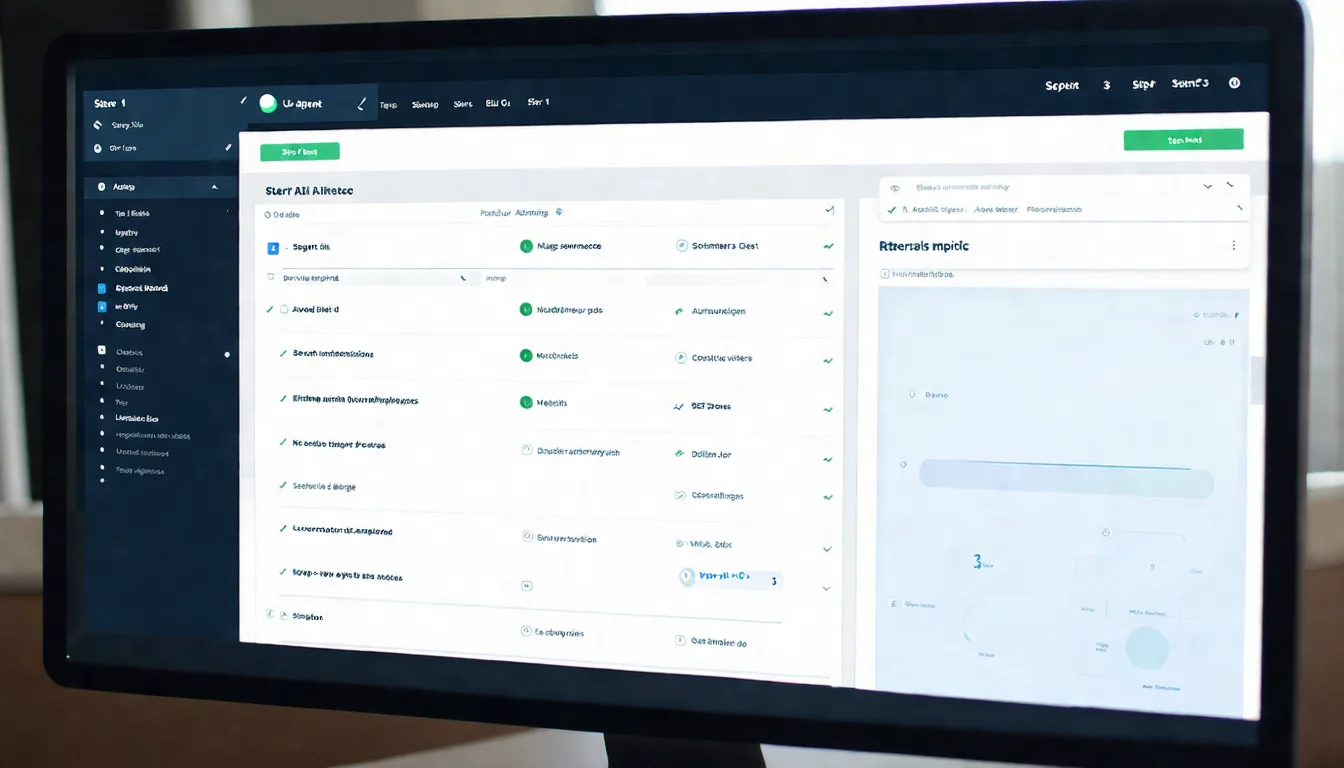 Illustration 2: Dashboard workflow editor
Looking to adopt AI automation in your organization? Book a free AI consultation and let our experts help you evaluate the best tools and processes.
Hands-On Tutorial: Clawbot x N8N Integration
What Is N8N?
N8N is an open-source workflow automation platform with 400+ native integrations (Google Sheets, Slack, Notion, databases, and more).
Clawbot and N8N have a clear division of labor:
- Clawbot: Handles browser-level operations (scraping web data, filling forms, clicking buttons)
- N8N: Handles backend data flows (writing to spreadsheets, sending notifications, calling APIs)
Together, they enable end-to-end automation from "browser operations" to "backend processing."
Steps to Connect Clawbot with N8N
Step 1: Install N8N
N8N supports multiple installation methods. The simplest is Docker:
docker run -it --rm \
  --name n8n \
  -p 5678:5678 \
  -v ~/.n8n:/home/node/.n8n \
  n8nio/n8n
After installation, open http://localhost:5678 to access the N8N interface.
Step 2: Get Your Clawbot API Key
In the Clawbot Dashboard:
- Go to "Settings" -> "API Keys"
- Click "Generate New Key"
- Copy the generated API Key (it will only be shown once)
Step 3: Set Up the HTTP Request Node in N8N
Add an HTTP Request node to your N8N workflow:
- Method: POST
- URL:
https://api.clawbot.io/v1/tasks - Headers:
Authorization: Bearer YOUR_API_KEY - Body: JSON format containing your task definition
{
  "name": "Extract competitor prices",
  "type": "browser_relay",
  "target_url": "https://example.com/product",
  "actions": [
    {"type": "extract", "selector": ".price", "output": "price"}
  ]
}
Step 4: Chain Triggers and Actions
Set up the trigger method in N8N:
- Cron node: Run automatically every day at 9 AM
- Webhook node: Trigger when an external request is received
- Manual trigger: Execute with a single button click
Connect the trigger node -> HTTP Request (call Clawbot) -> follow-up processing (write to Google Sheets / send Slack message), and you are done.
Common Automation Examples
Example 1: Scheduled competitor price scraping -> Write to Google Sheets
[Cron daily 9:00] -> [Clawbot: Open competitor page, extract prices] -> [Google Sheets: Write new row]
Use case: An e-commerce company monitors prices across 10 competitors daily, automatically recording them in a spreadsheet so the marketing team can see the latest data as soon as they open it.
Example 2: Monitor web page changes -> Trigger Slack notification
[Cron hourly] -> [Clawbot: Screenshot specified page] -> [Compare with previous screenshot] -> [If changed: Send Slack message]
Use case: Monitor a government procurement announcements page and notify the sales team as soon as new tenders are posted.
Example 3: Auto-fill forms -> Write results to database
[Webhook receives data] -> [Clawbot: Open form page, fill in data, submit] -> [PostgreSQL: Write execution result]
Use case: An HR department needs to enter candidate information into multiple recruitment platforms. Clawbot automates the repetitive cross-platform form filling.
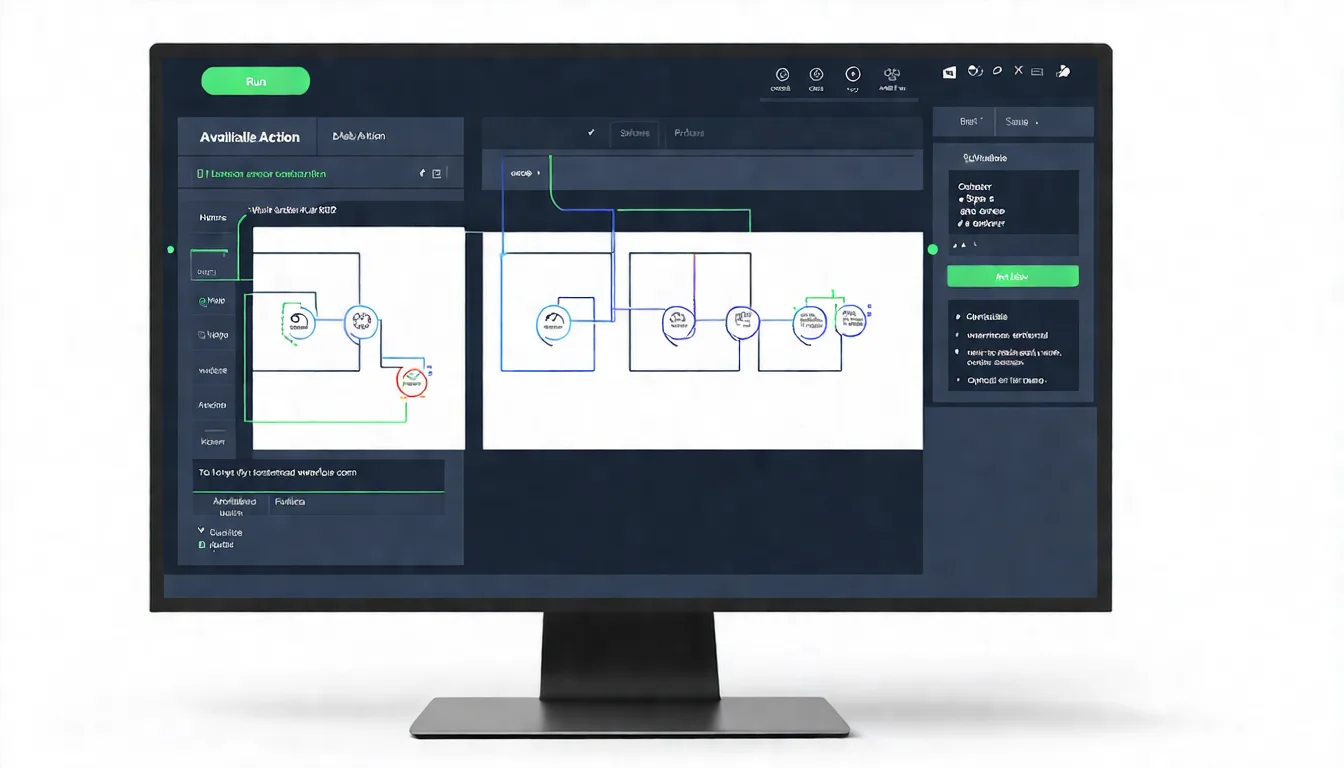 Illustration 3: N8N workflow connected with Clawbot
Need a More Complex Automation Architecture?
Enterprise-grade automation often requires integrating multiple systems: CRM, ERP, databases, and cloud services.
How CloudSwap Can Help
- Automation architecture design: Evaluate your existing processes and identify the best candidates for automation
- API integration planning: Architecture for connecting Clawbot, N8N, and cloud services
- Performance and reliability optimization: Ensure your automated workflows run stably 24/7
Book a free architecture consultation and let our experts design your automation solution
Enterprise Considerations for AI Agent Adoption
Security Considerations
Browser Relay involves remote browser control, making security a critical factor to evaluate before adoption.
Sensitive Data Protection
- Avoid storing usernames and passwords in plaintext within automation workflows; use environment variables or a Secret Manager instead
- Clawbot API Keys should be configured with minimal permissions, using different keys for different tasks
- Rotate API Keys regularly
Execution Environment Isolation
- Run Browser Relay in a dedicated virtual machine or container
- Do not run it directly on machines that store sensitive data
- Configure firewall rules to restrict Browser Relay's network access scope
Access Control
- Set up different Dashboard permissions for different team members
- Log all operations for post-incident auditing
Cost-Benefit Analysis
Before adoption, it is recommended to perform a simple cost-benefit assessment:
| Assessment Item | Calculation Method |
|---|---|
| Time Saved | Current manual operation time x frequency x labor cost |
| Tool Cost | Clawbot paid plan + N8N hosting costs |
| Maintenance Cost | Monthly time spent maintaining automated workflows |
| Learning Cost | Time required for team members to get up to speed |
Start with a small-scope POC: Pick one high-frequency, low-complexity task to automate first. Validate the results, then gradually expand.
Not sure if an AI Agent is right for your business? Book a free consultation and let CloudSwap help you with an adoption assessment.
Clawbot AI Agent FAQ
Is Clawbot's AI Agent reliable?
Reliability depends on several factors:
- Target website complexity: For pages with simple structures, the success rate can exceed 95%. For complex SPAs (Single Page Applications) or pages with heavy dynamic loading, the success rate will decrease
- Error tolerance mechanisms: Clawbot has built-in auto-retry, element waiting, and screenshot logging for fault tolerance
- Recommendation: For critical tasks, set up failure notifications and regularly review execution logs
Which browsers does Browser Relay support?
Currently, it primarily supports Chromium (Chrome core). Firefox support is in Beta. Safari is not yet supported.
Haven't installed it yet? Check out the Clawbot Installation Guide for a one-time setup across all platforms.
Want to develop advanced features yourself? Refer to the Clawbot Developer Guide for API documentation and GitHub resources.
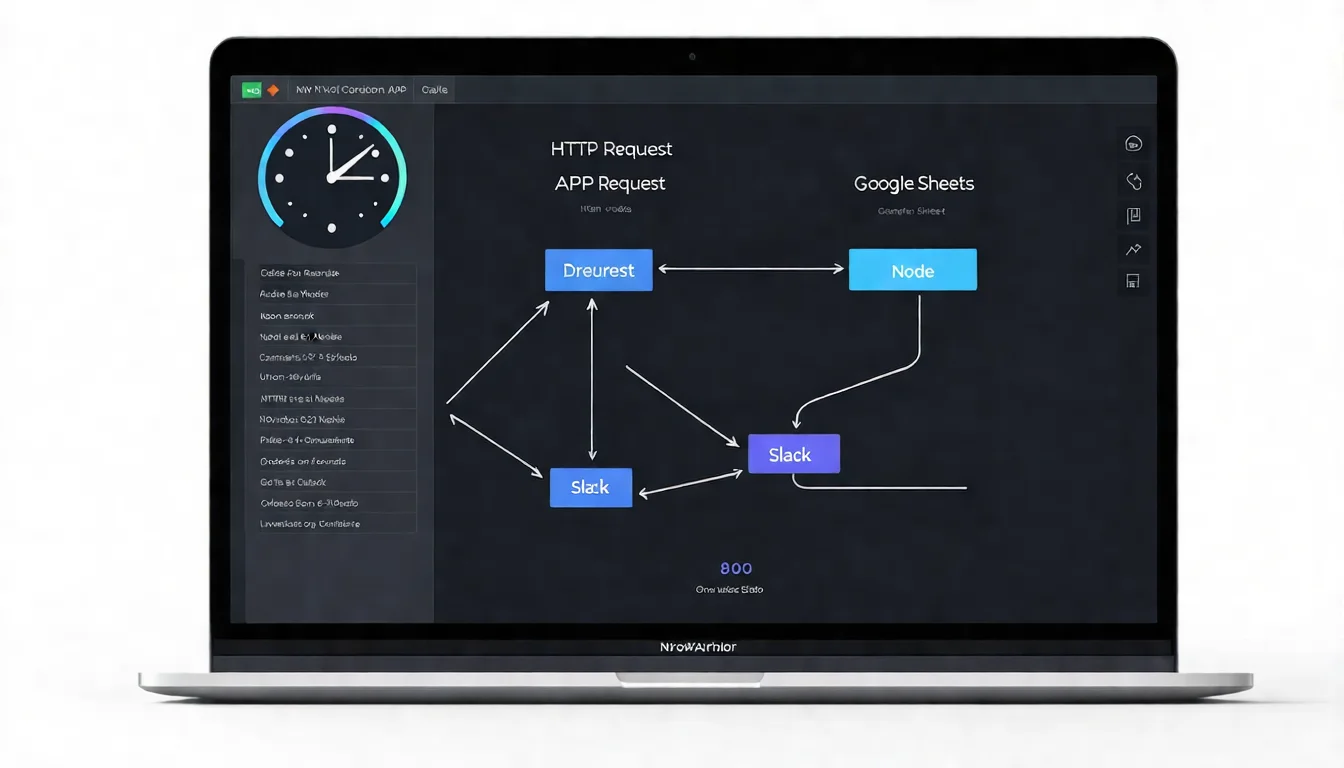 Illustration 4: Enterprise team discussing automation adoption plan
Next Steps for AI Agent Automation
Clawbot's AI Agent lowers the barrier to automation, but the tool is just the starting point.
The real value lies in identifying "which processes are worth automating" and designing stable, maintainable workflows.
Further Reading
- What Is Clawbot? Complete Feature Overview
- Clawbot Installation Guide | Dashboard Getting Started
- Clawbot Developer Guide | API & GitHub Resources
Free Consultation: Plan Your AI Agent Automation Workflow
If you are currently:
- Evaluating AI Agent automation tools
- Looking to design a Clawbot x N8N integration architecture
- In need of enterprise-grade automation workflow advice
Book a free AI consultation, and you will hear back from us within 24 hours. All consultations are completely confidential with no sales pressure.
References
- McKinsey & Company, "The state of AI in early 2024" (2024)
- N8N Official Documentation, "HTTP Request Node" (2026)
- Clawbot Official Documentation, "Browser Relay API Reference" (2026)
- Gartner, "Emerging Technologies: AI Agents Will Transform Business Automation" (2025)
- OWASP, "Automated Threats to Web Applications" (2025)
Need Professional Cloud Advice?
Whether you're evaluating cloud platforms, optimizing existing architecture, or looking for cost-saving solutions, we can help